
Use one clear speaker for the first test
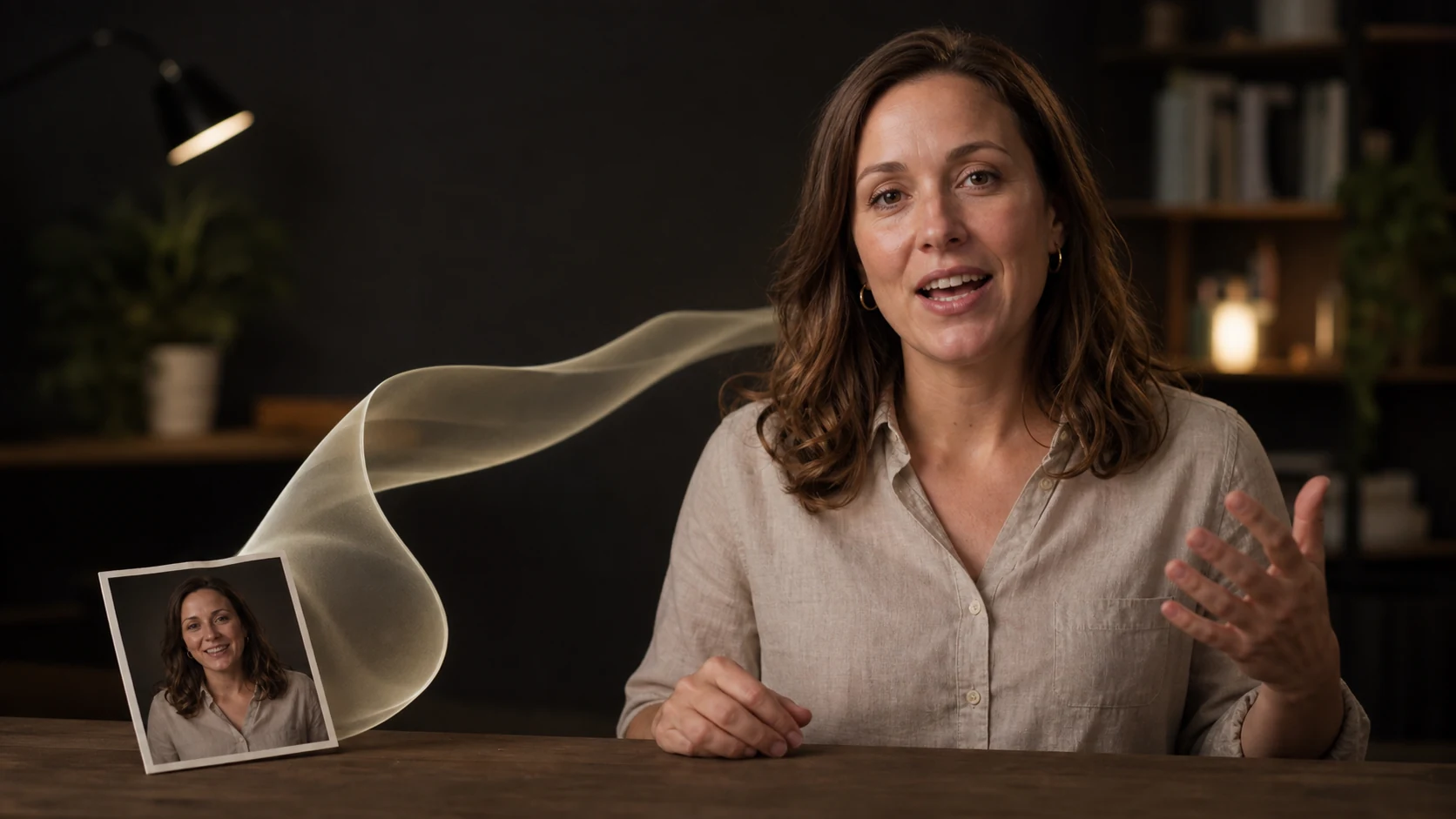
Upload a short video and keep the first test under 30 seconds. Keep one primary speaker in frame. The face should be visible, the light should be even, and the original speech should be easy to hear.
Split footage with several speakers, frequent camera cuts, or loud music into simpler clips first. A short sample lets you approve the translation and narrator voice before processing more material.
Treat the transcript as source material
Fableton transcribes the uploaded video before it translates anything. Read that transcript against the recording. Correct names, numbers, product terms, abbreviations, and phrases that only make sense in context. An error here will appear in both the translated speech and the final video.
The workflow asks for the target language, then offers a male, female, or neutral narrator voice. It does not attempt to copy the original speaker’s voice. Choose the option that fits the audience and the visible pace of the speaker.
Review the translated speech before lip-sync
Listen to the new audio without watching the video. Confirm that it preserves the original point and pronounces important terms correctly. Translated sentences can be longer or shorter than the source, so pay attention to rushed words and pauses that last too long.
If timing feels forced, tighten the wording before the final step. A natural sentence that fits the shot is more useful than a literal translation delivered at the wrong pace.
Judge the finished video in separate passes
First, listen for meaning and audio quality. Then watch the mouth at the beginning and end of each phrase, during larger sounds, and around pauses. The movement should feel consistent through the sentence, even if every frame is not a perfect match.
Finally, check the rest of the face and frame for distortion. Captions and text already visible in the source video are not changed by this workflow, so update them separately before publishing.
If you need to create a presenter from a photo, use the talking avatar guide. For a long source recording, make the edit manageable first with the video highlights guide.
Before you publish
- The transcript matches the original speech.
- The translation preserves names, numbers, and product terms.
- The narrator voice suits the audience and visible pacing.
- The translated audio is clear at normal playback volume.
- Mouth movement stays believable through the full clip.
- Captions and on-screen text match the new language.