
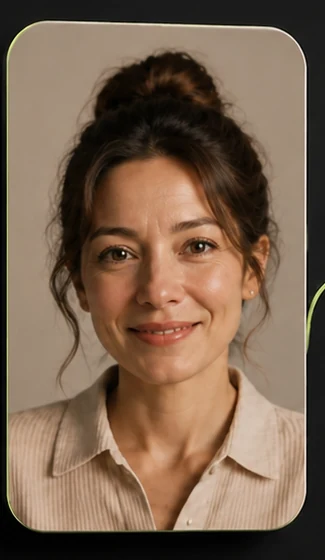
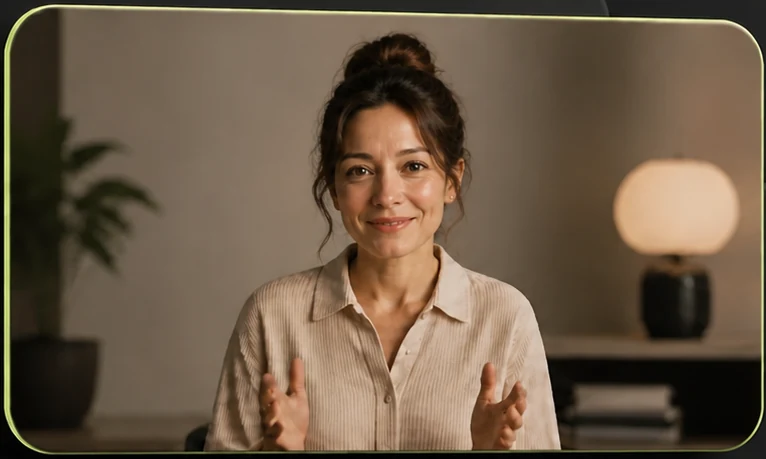
Choose a portrait that can handle movement
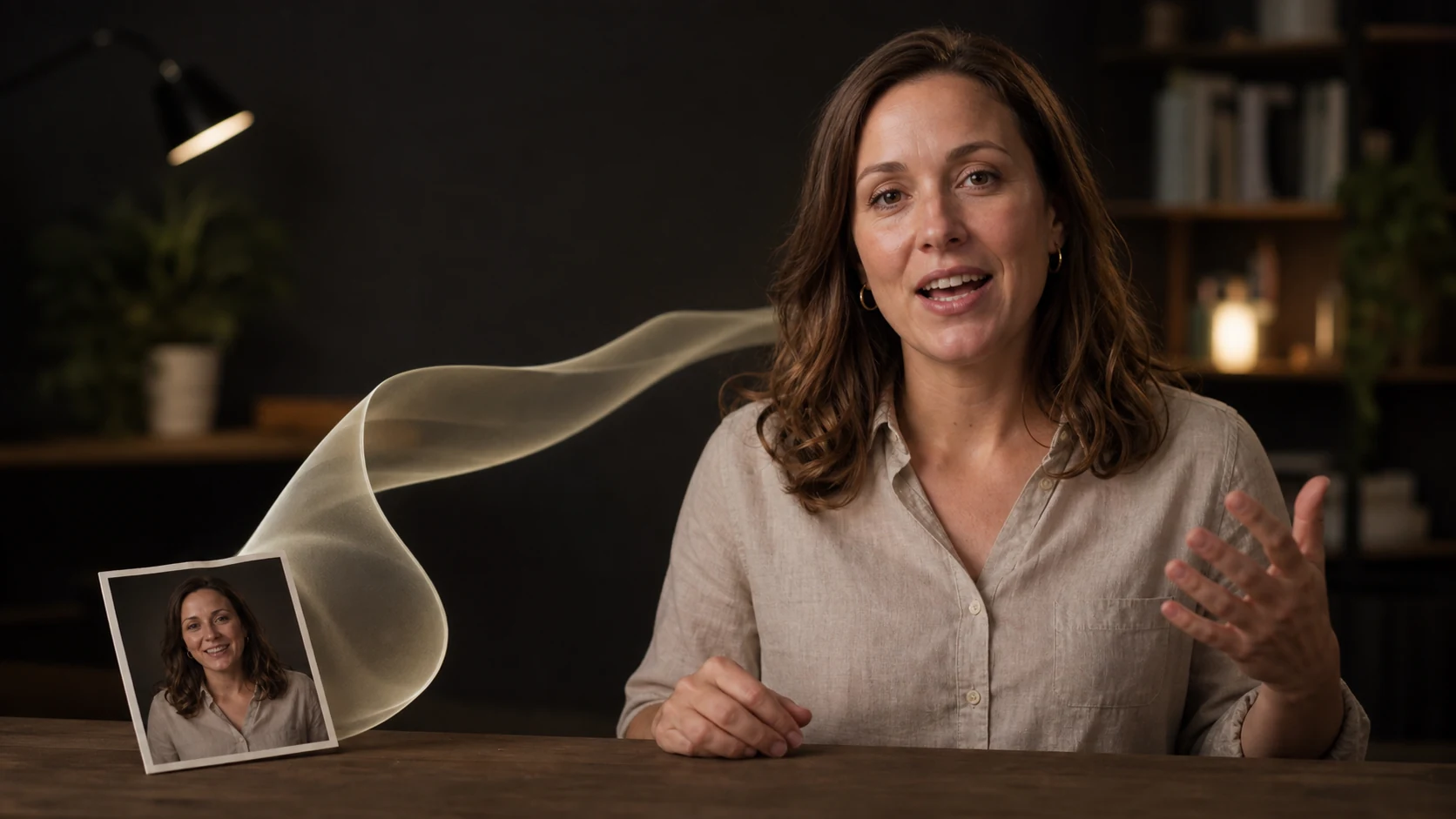
The workflow starts with an uploaded image, so the portrait determines most of the result. Use one person, photographed from the front or at a slight angle. The eyes and mouth should be unobstructed, the light should be even, and the face should be large enough to inspect without enlarging a blurry image.
A phone portrait is fine when it is sharp. Leave a little space around the head and shoulders, but remove other people and distracting background objects. If the face is dark, heavily filtered, or partly hidden, choose another image before running the workflow.
Use a portrait you have permission to publish. The finished clip should not imply that a real person approved words they did not see or say.
Start with a topic, not a long script
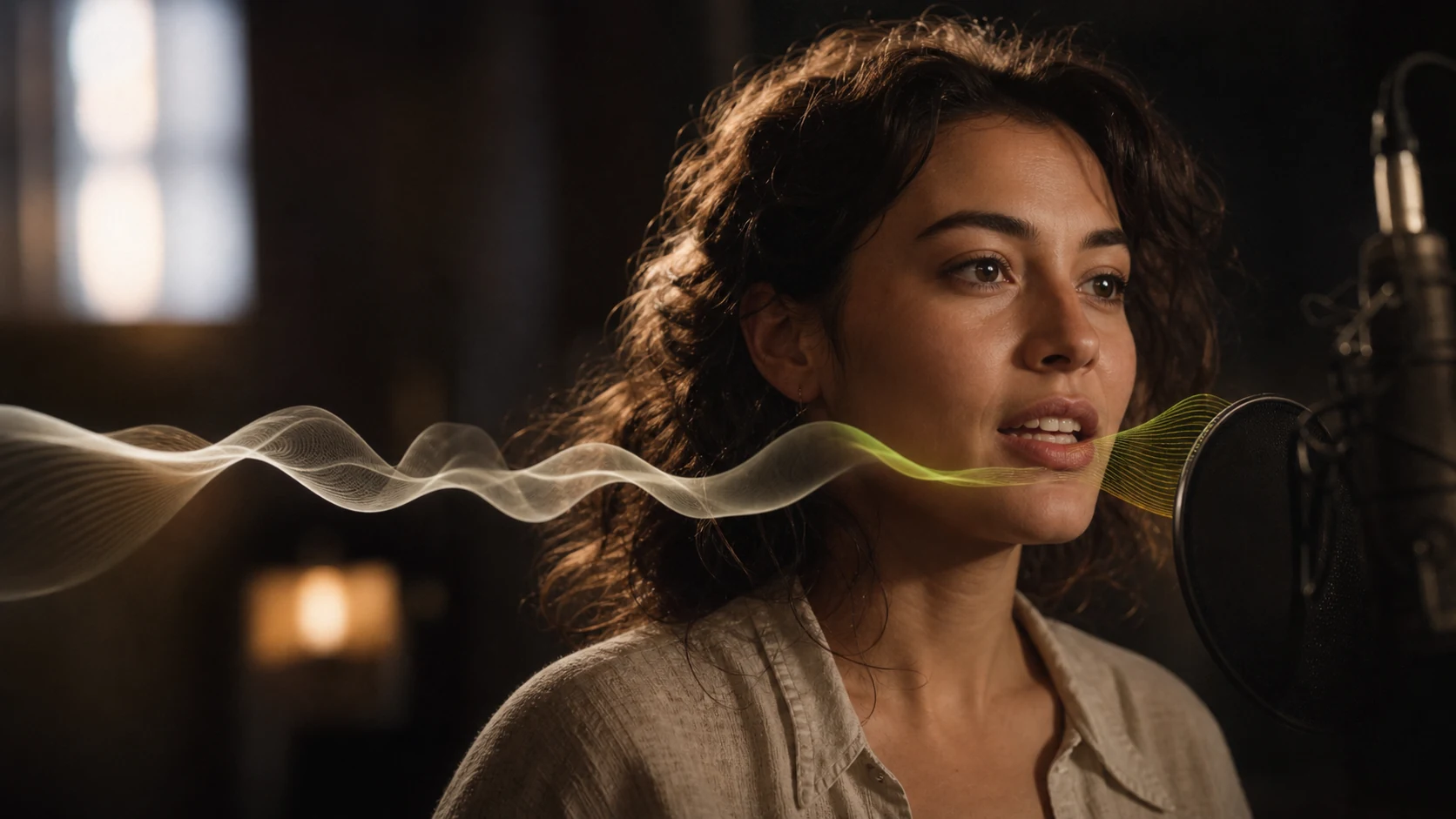
Fableton asks what the presenter should talk about, then writes one or two concise sentences and generates a voice track. The target is less than about ten seconds of speech, which makes the first result quick to judge.
Give it one clear idea, such as “Welcome to our product demo” or “Share three quick tips for better sleep.” Do not combine an introduction, a product walkthrough, and a closing message in the same first attempt. Once the portrait and voice work together, you can make a longer version.
Check the narration before judging the video
Listen for names, abbreviations, numbers, and product terms. If a word sounds wrong, simplify the sentence or spell the term the way it should be spoken. Also listen for a rushed ending. A short pause after the final word makes the finished clip easier to trim.
The next step uses that audio to animate the uploaded portrait. Fixing the voice first gives you one variable to review at a time.
Watch the finished clip twice
First, watch with sound. The mouth should follow the start and end of each phrase without an obvious delay. Check that the voice fits the expression and that the final frame does not cut off immediately after the last word.
Then mute the clip. Look for sudden changes around the eyes, mouth, teeth, hairline, and edges of the face. The head should remain stable in the frame. Small facial movement usually reads better than an exaggerated performance in an explainer or product introduction.
If you already have a speaker video and need another language, follow the video translation and lip-sync guide. To add motion to a landscape, product, or illustration instead, see how to animate a still image.
Before you publish
- The portrait is sharp, evenly lit, and used with permission.
- The script makes one clear point.
- Names and product terms sound correct.
- The mouth follows the narration without obvious jumps.
- The face, hairline, and background stay stable.
- The opening and closing frames leave enough room for a clean edit.