


Collect facts before writing the summary
Start with a simple career inventory: role titles, employers, dates, responsibilities, tools, education, and measurable results. Add the target role and any requirements you want the resume to emphasize. A result such as “reduced monthly reporting time from two days to four hours” carries more information than “improved reporting efficiency.”
Do not add a skill because it appears in the job description if you cannot support it with work, study, or a project. The video pitch will inherit the resume’s story, so an inflated line can become more conspicuous when spoken aloud.
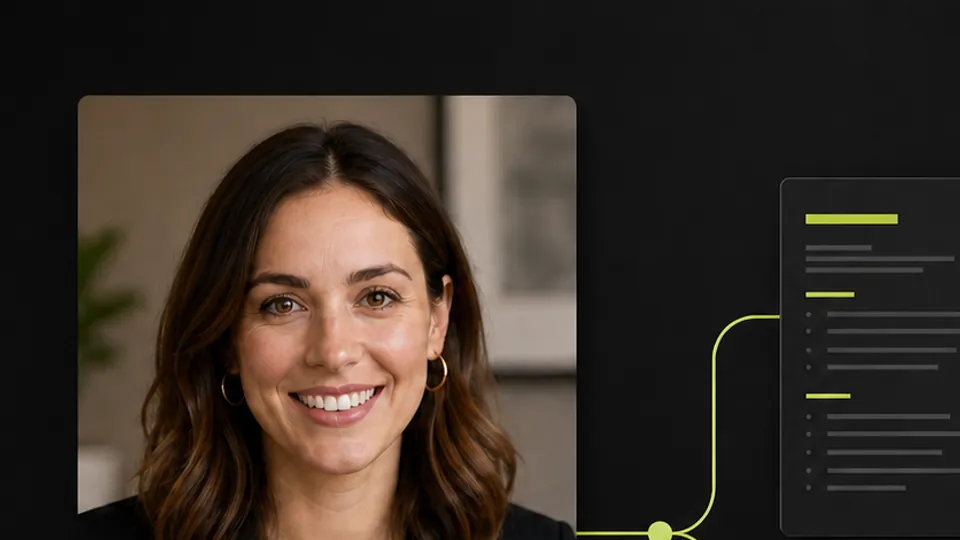
Choose a portrait that can become video
Use a sharp head-and-shoulders photo with one person and even light. Face the camera or turn only slightly. Keep the eyes, mouth, hairline, and jaw unobstructed. Busy backgrounds, sunglasses, harsh side light, and heavy portrait filters can make movement less stable.
The portrait should look appropriate for the role, but it does not need to imitate a corporate headshot. A natural expression and clean framing usually carry better into a short introduction.
Check the resume before generating speech
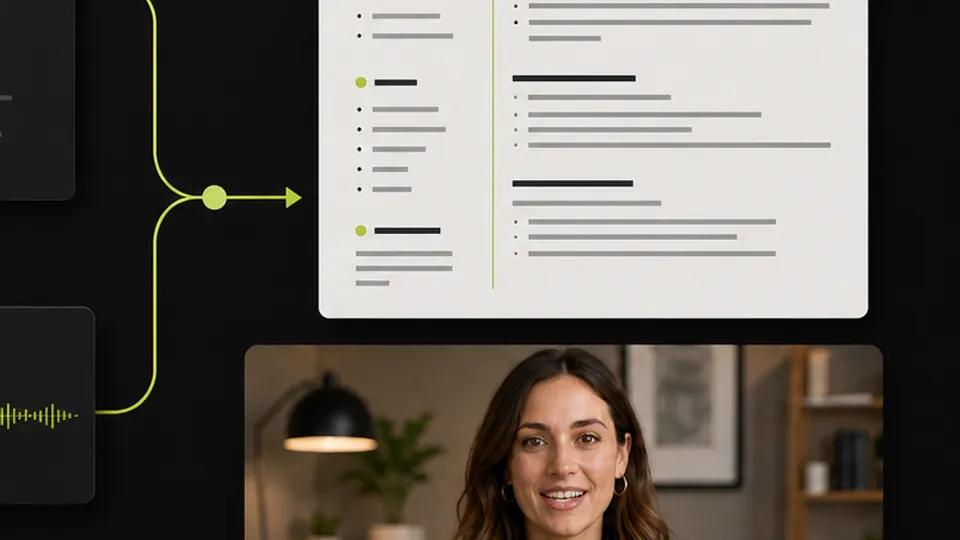
The workflow can produce PDF, HTML, or Markdown. Pick the format the recipient expects, then review the content before continuing. Confirm spelling, dates, employer names, locations, education, certifications, and numbers. Remove duplicated skills and vague summaries that do not add evidence.
Read the top third without scrolling. It should establish the target role and strongest fit quickly. If the document tells the wrong story, fix it before the pitch script is written.
Make the pitch sound like a person
The pitch is one or two sentences lasting less than about ten seconds. It should not list every skill. State the role you fit, one reason to believe it, and the kind of opportunity you want. Read the line aloud. Replace formal phrases you would never say in conversation.
After the video is created, check mouth timing, pronunciation, expression, framing, and the final pause. Then compare it with the resume. The tone can differ, but the facts and positioning should match.
Use the mock interview guide to practice the next conversation. For more detail on portrait animation, see the talking avatar guide.
Before you send either file
- Dates, names, and metrics are accurate.
- The resume format matches the application request.
- The portrait is yours or used with permission.
- The pitch sounds natural when read aloud.
- Resume and video make the same factual claims.
- The clip does not cut off the first or last word.